

How to Generate TPIN in Central Bank of India
F
Discover verified facts, data, and insights about India’s states, culture, economy, education, and more — all in one place at FactBharat.
Search for a command to run...
Discover verified facts, data, and insights about India’s states, culture, economy, education, and more — all in one place at FactBharat.
No comments yet. Be the first to comment.
Moving to the USA from India is a dream for many. Whether you want to study, work, or live with family, the process can seem complex. But with the right information, you can plan your move confidently. I’ll guide you through the key steps and options...
Opening a college in India is a dream for many educators and entrepreneurs who want to contribute to the country’s education sector. If you are one of those who want to start a college, you need to understand the process clearly. It involves several ...
Opening a hospital in India is a significant and rewarding venture. If you’ve ever wondered how to start one, you’re in the right place. Whether you’re a healthcare professional, entrepreneur, or investor, understanding the process is crucial. You’ll...
Opening a medical store in India can be a rewarding business opportunity. You get to serve your community by providing essential medicines and healthcare products. If you are thinking about starting a medical store, you might wonder where to begin an...
Opening a restaurant in India can be an exciting and rewarding venture. Whether you dream of serving traditional Indian dishes or international cuisine, the process involves careful planning and understanding of local regulations. If you’re ready to ...
FactBharat | Insights About India
2558 posts
Discover verified facts, data, and insights about India’s states, culture, economy, education, and more — all in one place at FactBharat.
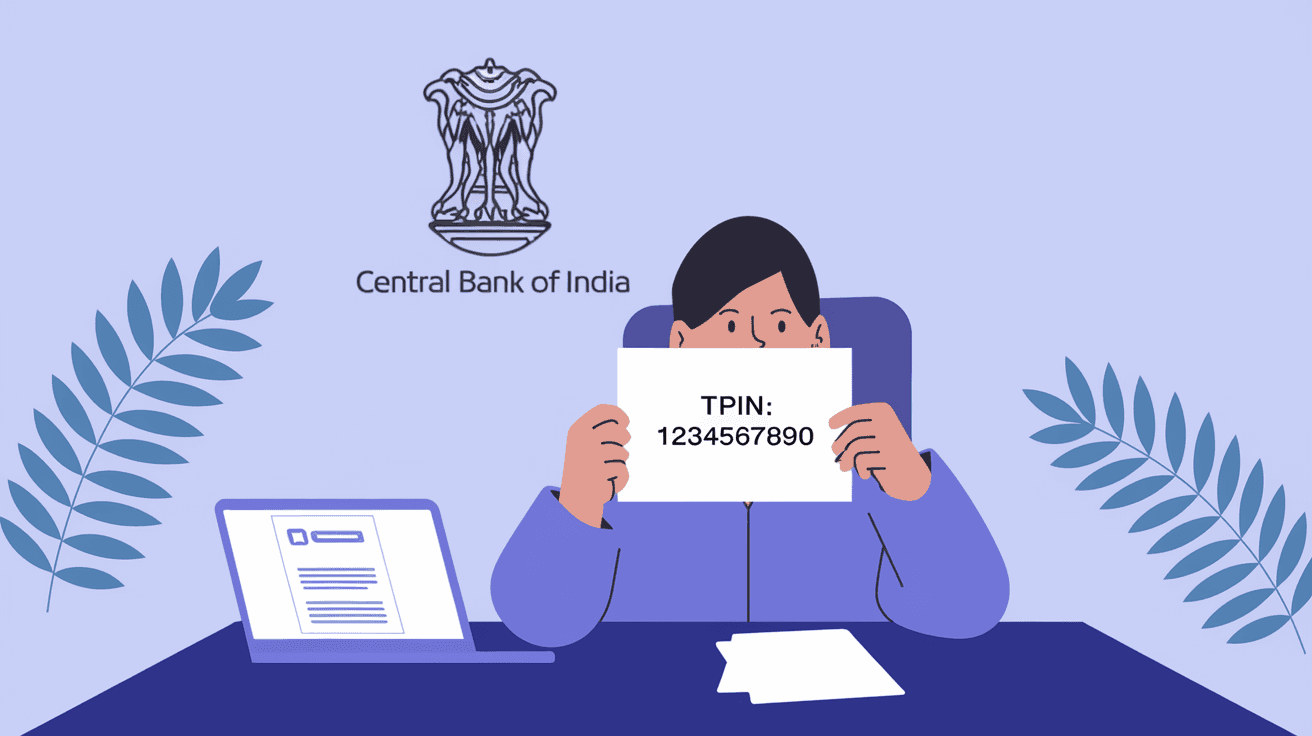
Generating a TPIN (Transaction Personal Identification Number) in Central Bank of India is essential for secure online banking and transactions. If you’re new to this or unsure how to get your TPIN, you’re in the right place. I’ll guide you through the process in simple steps, so you can manage your banking safely and confidently.
Your TPIN acts like a password for transactions, adding an extra layer of security beyond your usual login details. Whether you want to make fund transfers, pay bills, or use other banking services, having a TPIN is crucial. Let’s dive into how you can generate your TPIN quickly and start using it right away.
TPIN stands for Transaction Personal Identification Number. It’s a unique code that Central Bank of India uses to verify your identity during online transactions. Think of it as a secret key that only you know, which helps protect your money and personal information.
Here’s why TPIN is important:
Without a TPIN, you won’t be able to complete many online banking activities securely. So, generating it is a must for anyone using Central Bank of India’s digital services.
Generating your TPIN is straightforward. You can do it either through the bank’s online portal or by visiting your branch. Here’s how to do it online, which is the fastest method.
Make sure you have your net banking credentials ready. If you haven’t registered for net banking yet, you’ll need to do that first.
The exact menu names might vary slightly, but it’s usually under the services or security settings.
This step ensures that only you can generate the TPIN.
Avoid simple sequences like 123456 or your birthdate to keep your TPIN secure.
Now your TPIN is ready to use for transactions.
If you prefer offline methods or face issues online, you can generate your TPIN by visiting your nearest Central Bank of India branch.
This method is useful if you don’t have internet access or face technical problems.
Your TPIN is sensitive information. Here’s how to keep it safe:
Following these tips helps protect your account from fraud and unauthorized access.
Sometimes, you might face problems while generating your TPIN. Here are common issues and solutions:
If problems persist, contact Central Bank of India customer care for assistance.
Once you have your TPIN, you’ll use it to authorize various transactions. Here’s how it works:
Each time you perform a transaction, the system will prompt you to enter your TPIN. This step confirms that you are the authorized user.
Using TPIN offers several advantages:
Central Bank of India continuously updates its security features, and TPIN is a key part of that effort.
If you suspect your TPIN is compromised or want to change it, here’s how:
You can also reset TPIN by visiting the branch with valid ID proof if you forget it.
Generating your TPIN is a simple but crucial step to secure your online banking experience with Central Bank of India. Whether you choose the online method or visit a branch, the process is designed to be user-friendly and safe.
Remember, your TPIN is your transaction password. Keep it confidential and update it regularly. With your TPIN ready, you can enjoy seamless and secure banking anytime, anywhere.
It usually takes just a few minutes if you generate it online. The process involves OTP verification and setting your TPIN, which is quick and straightforward.
No, you must be registered for net banking to generate TPIN online. Alternatively, visit your branch to get assistance.
Use the ‘Forgot TPIN’ option on net banking or visit your branch with ID proof to reset it.
No, TPIN is different and used specifically for authorizing transactions, adding an extra security layer.
No, TPIN is linked to your specific account and cannot be shared across different accounts.