

How to Dial International Number from India
F
Discover verified facts, data, and insights about India’s states, culture, economy, education, and more — all in one place at FactBharat.
Search for a command to run...
Discover verified facts, data, and insights about India’s states, culture, economy, education, and more — all in one place at FactBharat.
No comments yet. Be the first to comment.
Moving to the USA from India is a dream for many. Whether you want to study, work, or live with family, the process can seem complex. But with the right information, you can plan your move confidently. I’ll guide you through the key steps and options...
Opening a college in India is a dream for many educators and entrepreneurs who want to contribute to the country’s education sector. If you are one of those who want to start a college, you need to understand the process clearly. It involves several ...
Opening a hospital in India is a significant and rewarding venture. If you’ve ever wondered how to start one, you’re in the right place. Whether you’re a healthcare professional, entrepreneur, or investor, understanding the process is crucial. You’ll...
Opening a medical store in India can be a rewarding business opportunity. You get to serve your community by providing essential medicines and healthcare products. If you are thinking about starting a medical store, you might wonder where to begin an...
Opening a restaurant in India can be an exciting and rewarding venture. Whether you dream of serving traditional Indian dishes or international cuisine, the process involves careful planning and understanding of local regulations. If you’re ready to ...
FactBharat | Insights About India
2558 posts
Discover verified facts, data, and insights about India’s states, culture, economy, education, and more — all in one place at FactBharat.
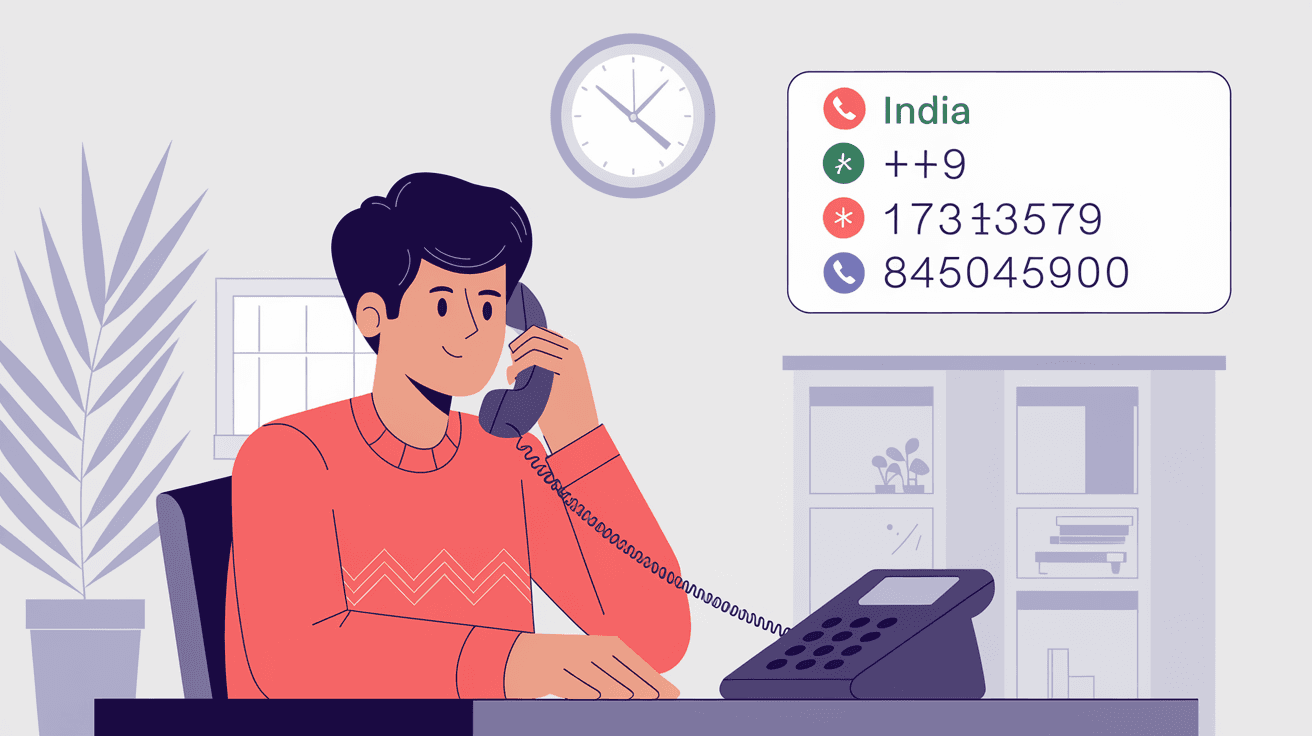
Dialing an international number from India might seem tricky at first, but once you know the steps, it becomes easy. Whether you want to call family abroad or connect with business partners, understanding how to dial correctly saves time and avoids confusion. I’ll guide you through the process step-by-step, so you can make your international calls without any hassle.
You’ll learn about exit codes, country codes, and how to format the number properly. Plus, I’ll share tips on using mobile phones and landlines, and how to avoid common mistakes. By the end, you’ll feel confident making international calls from India anytime you want.
When you dial an international number from India, you need to follow a specific format. This format ensures your call reaches the right country and the right person. The main parts of an international number are:
In India, the exit code is 00. This means whenever you want to call outside India, you start by dialing 00.
For example, if you want to call a number in the United States, you would dial:
00 + 1 (country code for USA) + area code + local number
This format applies whether you are using a mobile phone or a landline.
Let’s break down the process into simple steps you can follow every time.
Dial the exit code (00)
This signals the phone network that you want to make an international call.
Enter the country code
Each country has a unique code. For example:
Dial the area or city code
This depends on the region you are calling within the country. For example, New York City has the area code 212.
Dial the local phone number
This is the number of the person or business you want to reach.
Suppose you want to call a London number: 020 7946 0958.
You would dial:00 + 44 + 20 + 7946 0958
So, the full number to dial is: 00442079460958
Most mobile phones in India allow you to dial international numbers easily. Instead of typing 00, you can use the plus (+) sign. The plus sign automatically replaces the exit code.
Here’s how to do it:
For example, to call the US number 212-555-1234, you would dial:+1 212 555 1234
Using the plus sign is often easier and works on most mobile networks worldwide.
Making international calls can sometimes be costly or tricky. Here are some tips to help you:
Even small mistakes can cause your call to fail or connect to the wrong number. Watch out for these common errors:
You don’t have to memorize all country and area codes. Here are some ways to find them quickly:
Both landlines and mobile phones can be used to dial international numbers, but there are some differences:
| Feature | Landline | Mobile Phone |
| Exit code | Must dial 00 | Can use 00 or + |
| Call cost | Usually higher | Depends on mobile plan |
| Convenience | Fixed location | Can call from anywhere |
| Additional features | May require activation for IDD | Often supports Wi-Fi calling |
If you use a landline, make sure international calling is enabled on your phone. Some landlines require you to activate international dialing separately.
Saving international numbers correctly helps you avoid dialing errors. Follow these tips:
If you want to avoid high costs or complicated dialing, consider these alternatives:
Dialing an international number from India is straightforward once you understand the format. Start with the exit code 00 or use the plus (+) sign on mobile phones, then add the country code, area code, and local number. Always double-check the codes and number length to avoid mistakes.
Using mobile phones makes international dialing easier, and apps offer great alternatives for cost savings. By following these steps and tips, you can confidently connect with anyone around the world from India without stress or confusion.
Press and hold 0 to get the plus (+) sign, then enter the country code, area code, and local number. For example, +1 212 555 1234 for a US number.
The exit code is 00. Dial 00 before the country code when making international calls from landlines or some mobile phones.
Yes, WhatsApp uses the internet to make free or low-cost international calls, which can save money compared to traditional phone calls.
Yes, drop the leading zero in area codes after the country code. For example, UK’s 020 becomes 20 when dialing from India.
They can be, depending on your phone plan. Using calling apps or international calling cards can help reduce costs.