

How to Check Bank Balance in Bank of India
F
Discover verified facts, data, and insights about India’s states, culture, economy, education, and more — all in one place at FactBharat.
Search for a command to run...
Discover verified facts, data, and insights about India’s states, culture, economy, education, and more — all in one place at FactBharat.
No comments yet. Be the first to comment.
Moving to the USA from India is a dream for many. Whether you want to study, work, or live with family, the process can seem complex. But with the right information, you can plan your move confidently. I’ll guide you through the key steps and options...
Opening a college in India is a dream for many educators and entrepreneurs who want to contribute to the country’s education sector. If you are one of those who want to start a college, you need to understand the process clearly. It involves several ...
Opening a hospital in India is a significant and rewarding venture. If you’ve ever wondered how to start one, you’re in the right place. Whether you’re a healthcare professional, entrepreneur, or investor, understanding the process is crucial. You’ll...
Opening a medical store in India can be a rewarding business opportunity. You get to serve your community by providing essential medicines and healthcare products. If you are thinking about starting a medical store, you might wonder where to begin an...
Opening a restaurant in India can be an exciting and rewarding venture. Whether you dream of serving traditional Indian dishes or international cuisine, the process involves careful planning and understanding of local regulations. If you’re ready to ...
FactBharat | Insights About India
2558 posts
Discover verified facts, data, and insights about India’s states, culture, economy, education, and more — all in one place at FactBharat.
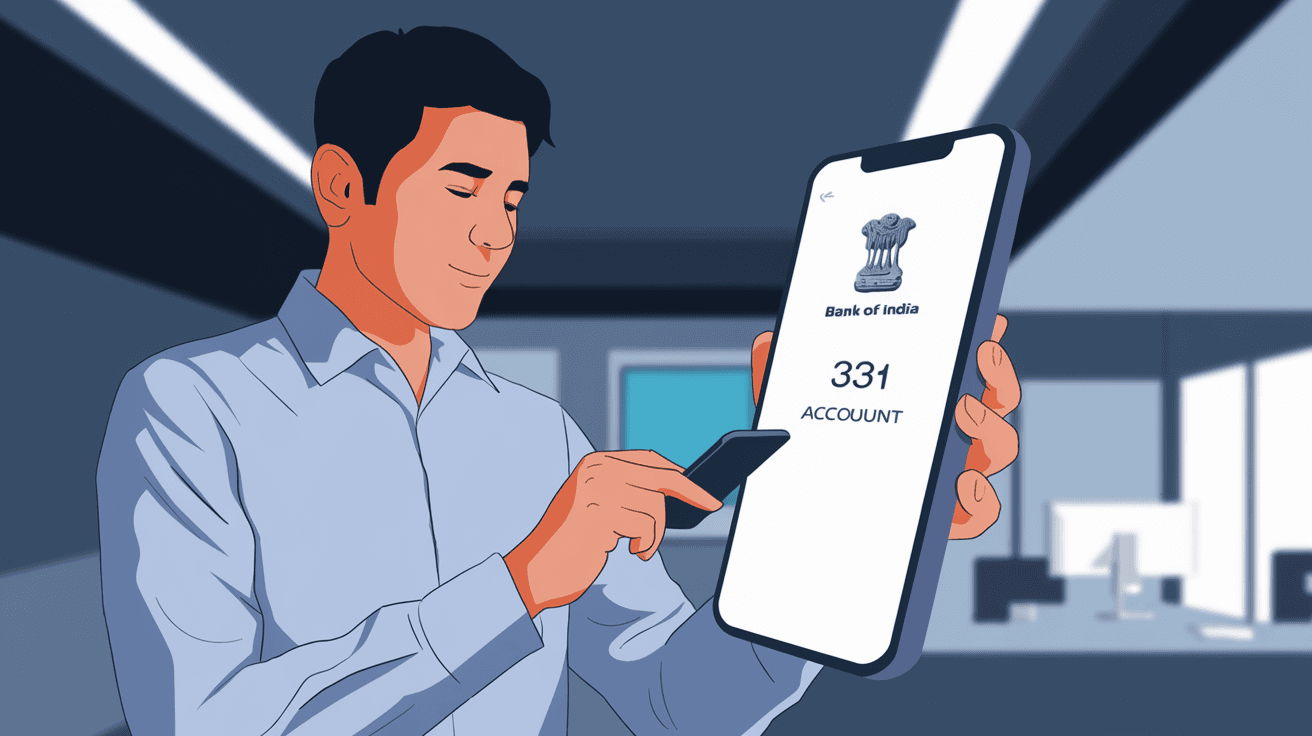
Checking your Bank of India account balance is something you might need to do often. Whether you want to keep track of your spending or just confirm your available funds, knowing how to check your balance quickly and safely is important. In this article, I’ll guide you through the easiest and most reliable methods to check your Bank of India balance.
You don’t have to visit a branch every time or wait in long queues. With modern banking options, you can check your balance anytime, anywhere. Let’s explore all the ways you can do this, from mobile banking to ATMs, so you can pick the one that suits you best.
The Bank of India mobile banking app is one of the fastest ways to check your account balance. It’s designed to give you full control over your banking needs right from your smartphone.
Using the app is convenient because you can check your balance anytime without visiting the bank. It’s also secure, as the app uses encryption and multi-factor authentication.
If you prefer using a computer or laptop, Bank of India’s internet banking service is a great option. It offers a full range of banking services online.
Internet banking is ideal if you want to manage your account in detail and perform other transactions along with balance checking.
For those who don’t have smartphones or internet access, SMS banking is a simple alternative. Bank of India offers SMS services that let you check your balance by sending a text message.
This method is quick and works on any mobile phone, even without internet. It’s perfect when you’re on the go or in areas with poor internet connectivity.
ATMs are widely available and provide a straightforward way to check your balance.
Using an ATM is useful if you want to check your balance while withdrawing cash or performing other transactions.
Bank of India offers a missed call service for balance enquiry, which is very convenient.
This service is free and doesn’t require internet or smartphone apps. It’s a handy option when you want a quick balance update.
If you prefer traditional methods, visiting your nearest Bank of India branch is always an option.
Though this method takes more time, it’s useful if you want personal assistance or have other banking queries.
Apart from missed calls, Bank of India also provides Interactive Voice Response (IVR) services for balance enquiry.
IVR is helpful if you want to avoid typing or using apps but still want quick access to your balance.
While checking your balance is easy, it’s important to stay safe and protect your account information.
By following these tips, you can enjoy the convenience of digital banking without risking your security.
Here’s a quick comparison to help you choose the best method for your needs:
| Method | Convenience | Internet Required | Cost | Security Level | Ideal For |
| Mobile Banking App | High | Yes | Free | High | Smartphone users |
| Internet Banking | High | Yes | Free | High | Computer users |
| SMS Banking | Medium | No | May charge | Medium | Basic phones, no internet |
| ATM | Medium | No | Free/Charge | High | When near ATM |
| Missed Call Service | High | No | Free | Medium | Quick checks on the go |
| Branch Visit | Low | No | Free | High | Personal assistance needed |
| IVR Service | Medium | No | Free | Medium | Voice-based balance check |
This table shows that mobile and internet banking offer the most convenience and security, while SMS and missed call services are good for quick checks without internet.
If you haven’t registered yet, here’s how to get started:
Mobile Banking:
Internet Banking:
Registration is usually quick and free. Once done, you can enjoy easy access to your account anytime.
Sometimes, you might face problems while checking your balance. Here’s how to fix common issues:
If problems persist, Bank of India’s customer support is available to help you.
Now you know several easy ways to check your Bank of India account balance. Whether you prefer using your phone, computer, or even a missed call, there’s a method that fits your lifestyle. Mobile and internet banking offer the most convenience, while SMS and missed call services are great for quick checks without internet.
Remember to keep your banking details safe and use official channels only. With these options, you can stay updated on your finances anytime, anywhere. So go ahead and try the method that works best for you!
You can use SMS banking, missed call service, or visit an ATM or branch to check your balance without internet access.
Usually, SMS balance enquiry may incur a nominal charge depending on your mobile operator’s SMS rates.
Yes, you can check your balance at any ATM, but using Bank of India ATMs is recommended to avoid extra charges.
Visit your nearest branch to fill out the registration form and receive your customer ID and MPIN for mobile banking.
Use the ‘Forgot Password’ option on the Bank of India internet banking login page to reset your password securely.