

How to Change Mobile Number in Vehicle Registration India
F
Discover verified facts, data, and insights about India’s states, culture, economy, education, and more — all in one place at FactBharat.
Search for a command to run...
Discover verified facts, data, and insights about India’s states, culture, economy, education, and more — all in one place at FactBharat.
No comments yet. Be the first to comment.
Moving to the USA from India is a dream for many. Whether you want to study, work, or live with family, the process can seem complex. But with the right information, you can plan your move confidently. I’ll guide you through the key steps and options...
Opening a college in India is a dream for many educators and entrepreneurs who want to contribute to the country’s education sector. If you are one of those who want to start a college, you need to understand the process clearly. It involves several ...
Opening a hospital in India is a significant and rewarding venture. If you’ve ever wondered how to start one, you’re in the right place. Whether you’re a healthcare professional, entrepreneur, or investor, understanding the process is crucial. You’ll...
Opening a medical store in India can be a rewarding business opportunity. You get to serve your community by providing essential medicines and healthcare products. If you are thinking about starting a medical store, you might wonder where to begin an...
Opening a restaurant in India can be an exciting and rewarding venture. Whether you dream of serving traditional Indian dishes or international cuisine, the process involves careful planning and understanding of local regulations. If you’re ready to ...
FactBharat | Insights About India
2558 posts
Discover verified facts, data, and insights about India’s states, culture, economy, education, and more — all in one place at FactBharat.
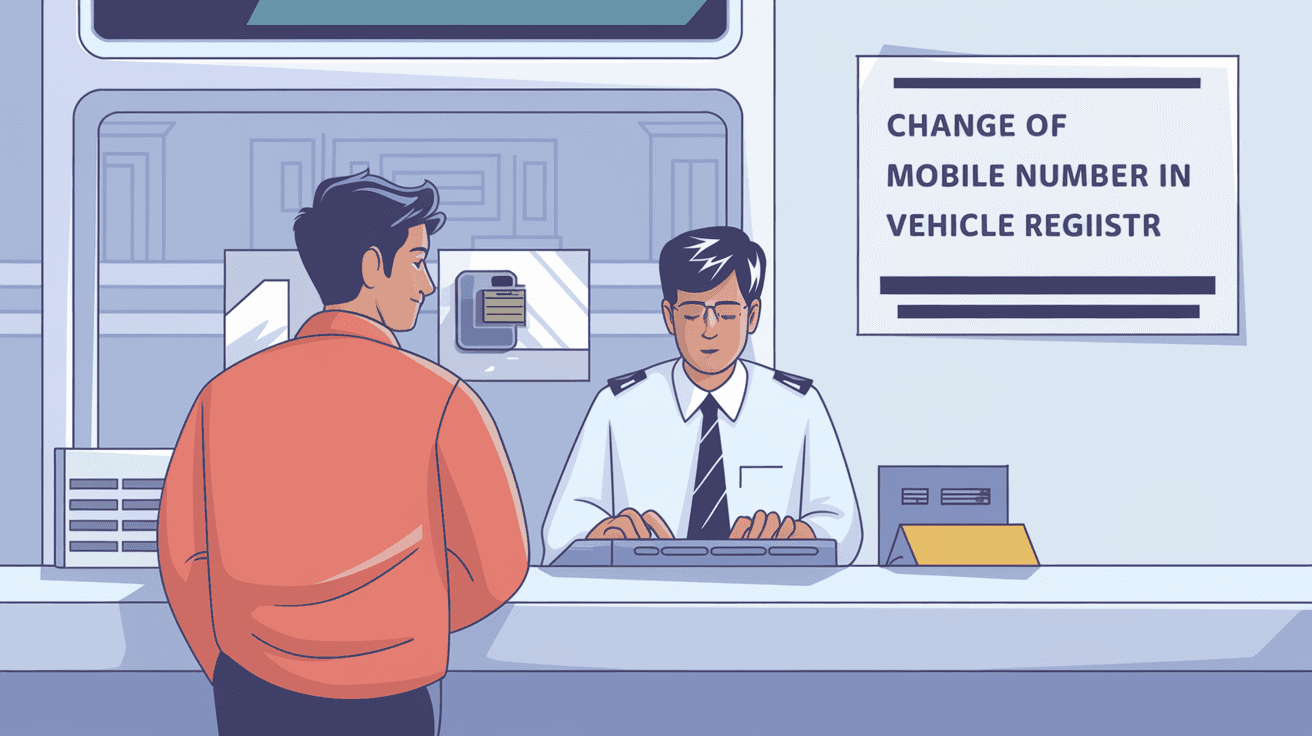
Changing your mobile number in your vehicle registration records is important to stay updated with all official communications. Whether you have changed your phone number or want to ensure you receive alerts related to your vehicle, updating this information is necessary. In India, the process has become more streamlined with digital services, but many still find it confusing.
In this article, I will guide you through the exact steps to change your mobile number in vehicle registration records in India. You will learn about the documents required, the online and offline methods, and tips to avoid common mistakes. By the end, you will be confident in updating your mobile number hassle-free.
Your mobile number linked to your vehicle registration is crucial for several reasons. It acts as the primary contact for receiving important notifications from the Regional Transport Office (RTO). These notifications include:
If your mobile number is outdated, you might miss these critical updates. This can lead to penalties or missed deadlines. Moreover, with the increasing use of digital platforms like VAHAN and Parivahan, your mobile number is often used for OTP verification and secure login.
Before you start the process, make sure you have the following documents ready:
Having these documents handy will make the process smoother and faster.
The Indian government has made it easier to update your mobile number through the Parivahan Sewa portal. Here’s how you can do it step-by-step:
This online method saves time and avoids the need to visit the RTO physically.
If you prefer visiting the RTO or your state does not support online updates, follow these steps:
Visiting the RTO can be time-consuming but is necessary if your state does not offer online services.
Many people face issues while changing their mobile number in vehicle registration. Here are some common problems and tips to avoid them:
By being thorough and patient, you can avoid delays and errors.
To make the process easier, keep these tips in mind:
These simple steps will help you complete the update quickly.
After submitting your application, you may want to verify if your mobile number has been updated. Here’s how:
Regularly checking ensures your contact details are correct for future communication.
With the rise of digital governance, mobile numbers have become a key part of identity verification. The Indian government uses mobile numbers for:
As more vehicle-related services move online, having an updated mobile number ensures you don’t miss out on important updates or face legal issues.
Changing your mobile number in vehicle registration records in India is a straightforward but important task. Whether you choose the online or offline method, having the right documents and following the correct steps will make the process smooth. Keeping your mobile number updated ensures you receive timely notifications about your vehicle, helping you avoid penalties and stay informed.
Remember to check your updated details after the process and keep your contact information current. This small update can save you from many hassles related to vehicle ownership and compliance. If you follow the steps outlined here, you will find updating your mobile number in vehicle registration easy and hassle-free.
Typically, it takes 3 to 7 working days for the RTO to verify and update your mobile number after submitting the application.
No, you need to submit separate applications for each vehicle as the registration details are unique.
Yes, a nominal fee is charged, usually between Rs. 200 to Rs. 300, depending on the state.
Yes, many states allow online updates through the Parivahan Sewa portal, eliminating the need to visit the RTO.
You must apply for a duplicate RC first before updating your mobile number, as the original RC is required for the process.