

How to Change Mobile Number in Union Bank of India
F
Discover verified facts, data, and insights about India’s states, culture, economy, education, and more — all in one place at FactBharat.
Search for a command to run...
Discover verified facts, data, and insights about India’s states, culture, economy, education, and more — all in one place at FactBharat.
No comments yet. Be the first to comment.
Moving to the USA from India is a dream for many. Whether you want to study, work, or live with family, the process can seem complex. But with the right information, you can plan your move confidently. I’ll guide you through the key steps and options...
Opening a college in India is a dream for many educators and entrepreneurs who want to contribute to the country’s education sector. If you are one of those who want to start a college, you need to understand the process clearly. It involves several ...
Opening a hospital in India is a significant and rewarding venture. If you’ve ever wondered how to start one, you’re in the right place. Whether you’re a healthcare professional, entrepreneur, or investor, understanding the process is crucial. You’ll...
Opening a medical store in India can be a rewarding business opportunity. You get to serve your community by providing essential medicines and healthcare products. If you are thinking about starting a medical store, you might wonder where to begin an...
Opening a restaurant in India can be an exciting and rewarding venture. Whether you dream of serving traditional Indian dishes or international cuisine, the process involves careful planning and understanding of local regulations. If you’re ready to ...
FactBharat | Insights About India
2558 posts
Discover verified facts, data, and insights about India’s states, culture, economy, education, and more — all in one place at FactBharat.
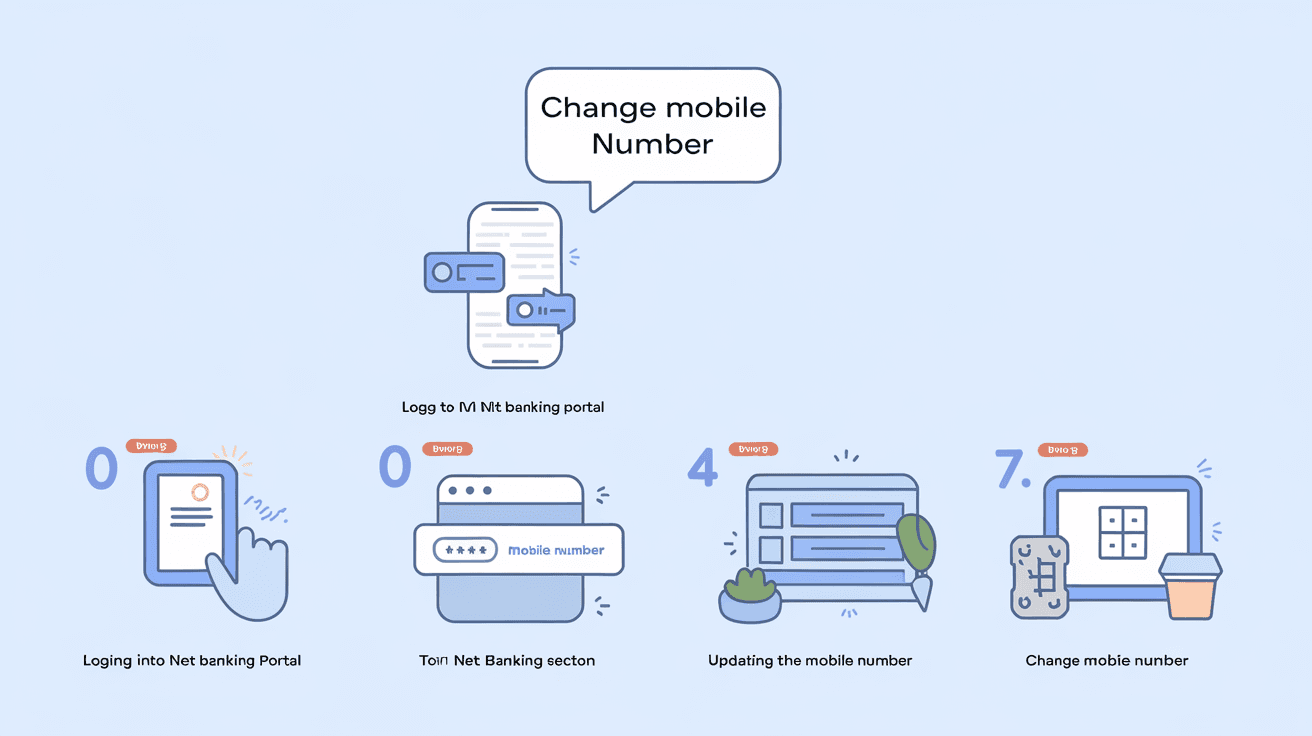
Changing your mobile number linked to your bank account is important to keep your banking secure and stay updated with alerts. If you have a Union Bank of India account, you might wonder how to change your mobile number quickly and safely. I’ll guide you through the simple steps you can follow to update your mobile number with Union Bank of India.
Whether you prefer visiting the branch, using internet banking, or the mobile app, there are multiple ways to update your contact details. This article covers all the methods, requirements, and tips to ensure your mobile number is changed without any hassle.
Your mobile number is linked to many banking services like OTPs, transaction alerts, and net banking security. If you change your number and don’t update it with the bank, you might miss important messages or face trouble accessing your account.
Here’s why updating your mobile number is crucial:
Keeping your mobile number current helps protect your account and makes banking easier.
Union Bank of India offers several convenient ways to update your mobile number. You can choose the method that suits you best.
The most straightforward way is to visit your bank branch in person.
This method is secure and recommended if you want personal assistance.
If you have internet banking access, you can update your mobile number online.
This method is quick and can be done from anywhere.
Union Bank’s mobile app also allows you to update your mobile number.
The app method is convenient if you use mobile banking regularly.
Some Union Bank ATMs provide the option to update your mobile number.
This method is useful if you are near an ATM and want a quick update.
You can also contact Union Bank’s customer care to request a mobile number change.
Customer care can guide you but usually cannot complete the change without verification.
To update your mobile number, you need to provide valid documents to prove your identity and account ownership.
Make sure your documents are original or attested copies as required.
Changing your mobile number with the bank is simple, but keep these tips in mind:
The time to update your mobile number depends on the method used:
You will receive confirmation once the update is successful.
If you cannot receive OTPs on your old number, you must visit the branch with valid ID proof. The bank will verify your identity and help you update the mobile number securely. Online or phone methods usually require access to the old number for OTP verification.
Keeping your mobile number updated with Union Bank of India ensures:
It also helps prevent fraud and unauthorized access.
Changing your mobile number in Union Bank of India is a simple but important task. Whether you visit the branch, use internet banking, or the mobile app, you have multiple options to update your contact details securely. Always keep your mobile number current to enjoy seamless banking services and protect your account.
Remember to carry valid ID proofs and follow the bank’s verification process carefully. If you lose access to your old number, visiting the branch is the safest way to update your mobile number. By staying updated, you ensure your banking experience remains smooth and secure.
You can change your mobile number using Union Bank’s internet banking or mobile app if you have access to your old registered number for OTP verification.
You need a valid photo ID proof (like Aadhaar or PAN) and your account proof (passbook or statement) along with the mobile number change request form.
It usually takes a few hours to 24 hours depending on the method used. Branch updates are often completed the same day.
Yes, some Union Bank ATMs allow you to update your mobile number by following on-screen instructions and verifying with an OTP.
You should visit your home branch with valid ID proof to update your mobile number securely since OTP verification on the old number won’t be possible.