

How to Change Mobile Number in Passport India
F
Discover verified facts, data, and insights about India’s states, culture, economy, education, and more — all in one place at FactBharat.
Search for a command to run...
Discover verified facts, data, and insights about India’s states, culture, economy, education, and more — all in one place at FactBharat.
No comments yet. Be the first to comment.
Moving to the USA from India is a dream for many. Whether you want to study, work, or live with family, the process can seem complex. But with the right information, you can plan your move confidently. I’ll guide you through the key steps and options...
Opening a college in India is a dream for many educators and entrepreneurs who want to contribute to the country’s education sector. If you are one of those who want to start a college, you need to understand the process clearly. It involves several ...
Opening a hospital in India is a significant and rewarding venture. If you’ve ever wondered how to start one, you’re in the right place. Whether you’re a healthcare professional, entrepreneur, or investor, understanding the process is crucial. You’ll...
Opening a medical store in India can be a rewarding business opportunity. You get to serve your community by providing essential medicines and healthcare products. If you are thinking about starting a medical store, you might wonder where to begin an...
Opening a restaurant in India can be an exciting and rewarding venture. Whether you dream of serving traditional Indian dishes or international cuisine, the process involves careful planning and understanding of local regulations. If you’re ready to ...
FactBharat | Insights About India
2558 posts
Discover verified facts, data, and insights about India’s states, culture, economy, education, and more — all in one place at FactBharat.
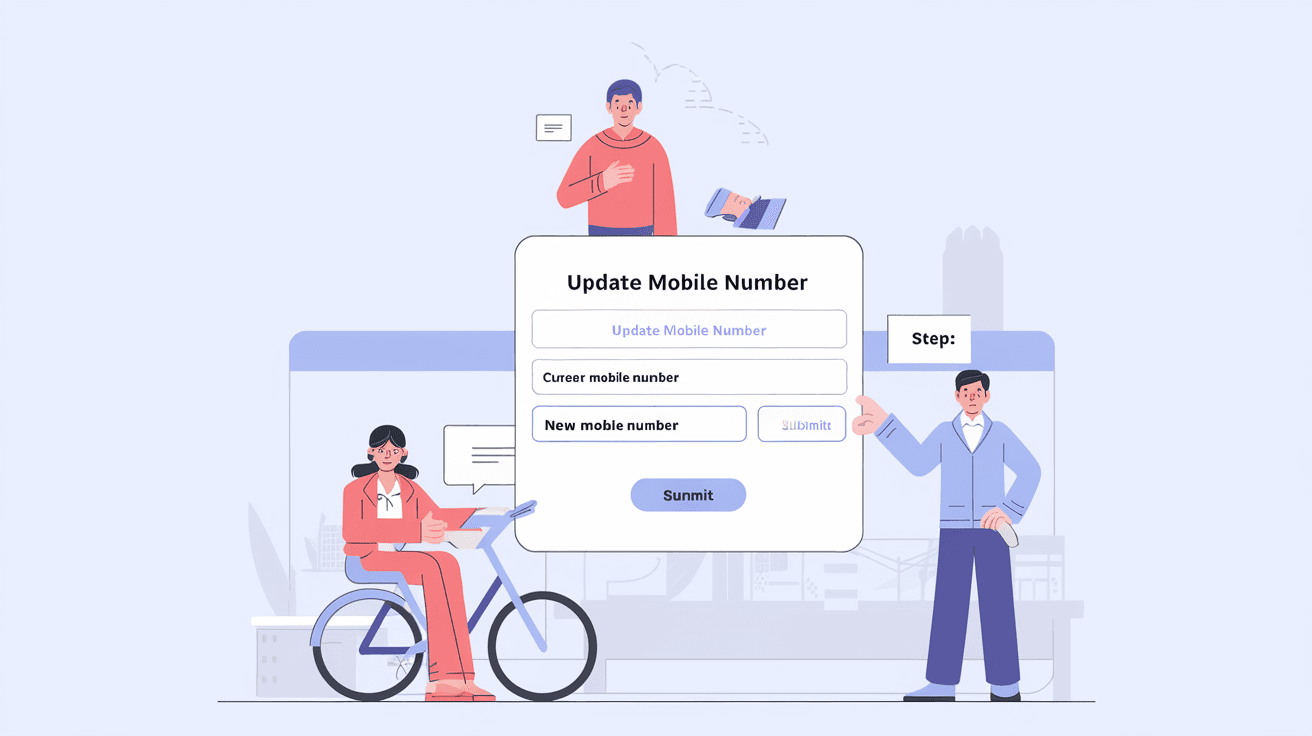
Changing your mobile number linked to your Indian passport is important to stay updated with all passport-related communications. Whether you have recently changed your phone number or want to correct it in your passport records, knowing the right process can save you time and hassle. In this article, I will guide you through the simple steps to update your mobile number in your passport application or existing passport details.
You might wonder why updating your mobile number is necessary. The government sends important alerts, appointment confirmations, and status updates via SMS. If your number is outdated, you could miss critical information. Let’s explore how you can change your mobile number in your passport records quickly and securely.
Your mobile number acts as a key communication channel between you and the Passport Seva Kendra (PSK). Here’s why updating it matters:
If you have changed your mobile number recently, it’s best to update it immediately to avoid any communication gaps.
You can update your mobile number at different stages:
Note that the mobile number printed on your physical passport booklet cannot be changed once issued. The update applies mainly to your online profile and communication preferences.
If you are applying for a new passport or have already submitted your application, follow these steps to update your mobile number:
If your application status does not allow editing, you may need to contact the Passport Seva helpdesk or visit the PSK for assistance.
If you already have a passport and want to update your mobile number linked to your profile for future passport-related services, here’s what you can do:
This process does not change the mobile number printed on your passport booklet but ensures you receive all digital communications.
Sometimes, the online portal may not allow you to update your mobile number due to application status or technical reasons. In such cases:
These options ensure you don’t get stuck due to mobile number issues.
Updating your mobile number ensures smooth communication for:
Without the correct mobile number, you risk missing these important messages, which can delay your passport issuance or renewal.
The update is usually immediate once you verify the OTP sent to your new number. However, changes reflect in your profile instantly, and SMS alerts will be sent to the updated number thereafter.
You cannot change the mobile number printed on the physical passport booklet. But you can update your mobile number in your Passport Seva profile for future communications.
No, updating your mobile number in the passport application or profile is free of cost.
You can update your mobile number by logging into your Passport Seva account with your credentials. If you face issues, visit the nearest Passport Seva Kendra for help.
No, changing your mobile number does not affect your passport application status or processing. It only updates your contact details for communication.
Changing your mobile number in your Indian passport records is a straightforward process that ensures you stay connected with all passport-related updates. Whether you are applying for a new passport or already hold one, keeping your mobile number current helps avoid delays and missed notifications.
By following the steps outlined above, you can easily update your mobile number online or seek help from Passport Seva officials if needed. Remember, your mobile number is a vital link to your passport services, so keep it updated for a hassle-free experience.