

How to Cancel COVID Vaccine Appointment in India
F
Discover verified facts, data, and insights about India’s states, culture, economy, education, and more — all in one place at FactBharat.
Search for a command to run...
Discover verified facts, data, and insights about India’s states, culture, economy, education, and more — all in one place at FactBharat.
No comments yet. Be the first to comment.
Moving to the USA from India is a dream for many. Whether you want to study, work, or live with family, the process can seem complex. But with the right information, you can plan your move confidently. I’ll guide you through the key steps and options...
Opening a college in India is a dream for many educators and entrepreneurs who want to contribute to the country’s education sector. If you are one of those who want to start a college, you need to understand the process clearly. It involves several ...
Opening a hospital in India is a significant and rewarding venture. If you’ve ever wondered how to start one, you’re in the right place. Whether you’re a healthcare professional, entrepreneur, or investor, understanding the process is crucial. You’ll...
Opening a medical store in India can be a rewarding business opportunity. You get to serve your community by providing essential medicines and healthcare products. If you are thinking about starting a medical store, you might wonder where to begin an...
Opening a restaurant in India can be an exciting and rewarding venture. Whether you dream of serving traditional Indian dishes or international cuisine, the process involves careful planning and understanding of local regulations. If you’re ready to ...
FactBharat | Insights About India
2558 posts
Discover verified facts, data, and insights about India’s states, culture, economy, education, and more — all in one place at FactBharat.
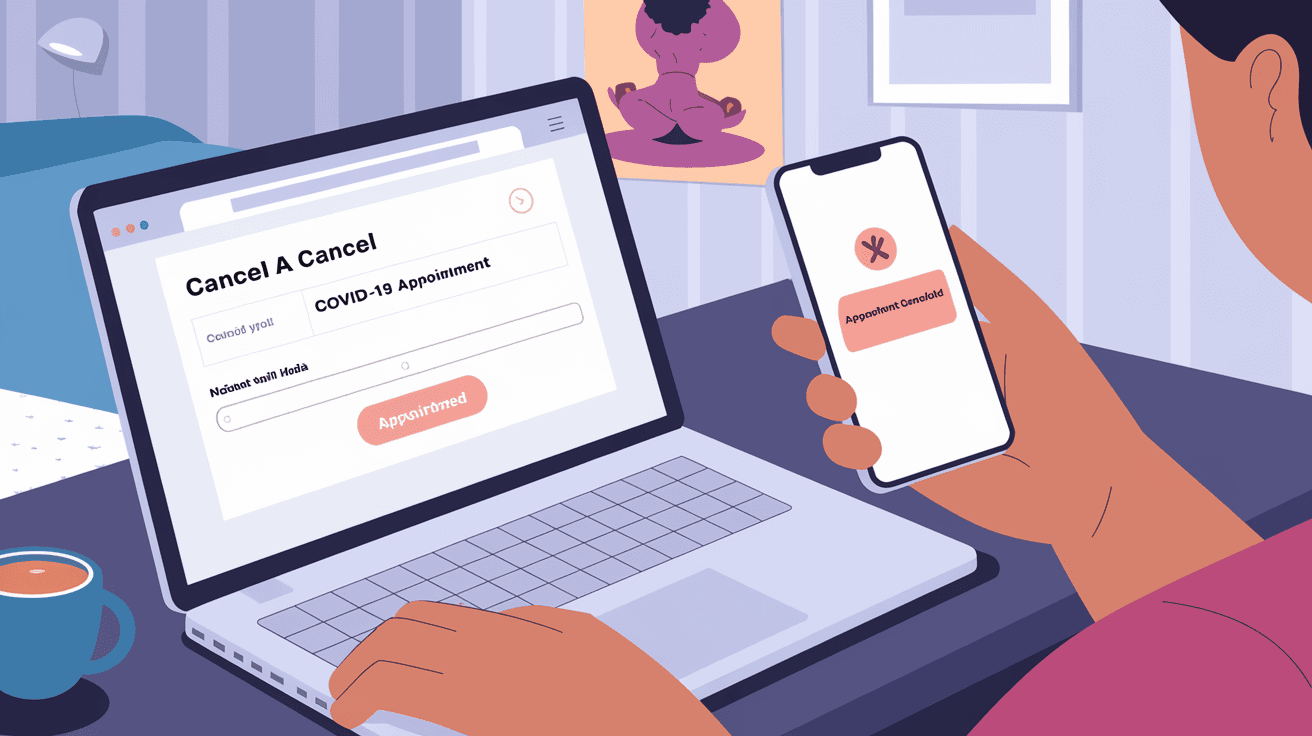
If you’ve booked a COVID vaccine appointment in India but need to cancel it, you’re not alone. Many people change their plans due to personal reasons or scheduling conflicts. The good news is that canceling your COVID vaccine appointment is straightforward and can be done online.
In this article, I’ll guide you through the easy steps to cancel your COVID vaccine appointment in India. Whether you used the CoWIN portal, Aarogya Setu app, or booked through a healthcare center, you’ll find clear instructions to manage your booking hassle-free.
Before diving into cancellation, it helps to know how vaccine appointments are booked in India. The government uses the CoWIN platform as the main system for scheduling vaccinations. You can book appointments through:
Once you book an appointment, you receive a confirmation with details like date, time, and vaccination center. This confirmation is important if you want to cancel or reschedule.
There are several reasons why you might want to cancel your appointment:
Whatever your reason, canceling your appointment properly helps free up slots for others and keeps the system updated.
The CoWIN portal is the most common way to book and manage vaccine appointments. Here’s how you can cancel your appointment on CoWIN:
After cancellation, you will receive a confirmation message on your registered mobile number. This frees up your slot for others to book.
If you booked your vaccine appointment through the Aarogya Setu app, follow these steps to cancel:
You will get a cancellation confirmation via SMS or app notification. The slot will then be available for others.
If you booked your appointment offline through a Common Service Center or local health center, you may need to visit or call them to cancel. Many centers have started supporting online cancellation, but it’s best to confirm.
Once you cancel your appointment, the slot becomes available for others to book. You will not be charged any fees, and your vaccination registration remains valid. You can book a new appointment anytime through the same platform.
If you cancel close to the appointment date, it’s good to inform the center if possible, especially if you booked offline.
Yes, the CoWIN platform allows you to reschedule your vaccine appointment without canceling first. Rescheduling is often easier and saves you from losing your registration details.
To reschedule on CoWIN:
This way, your old appointment is automatically canceled, and you get a new slot.
Sometimes, users face issues while canceling appointments. Here are common problems and solutions:
| Issue | Solution |
| OTP not received | Check mobile network, request OTP again |
| Appointment not showing | Use correct mobile number or registration ID |
| Website/app slow or down | Try again after some time or use alternate method |
| Unable to cancel after deadline | Contact helpline or vaccination center |
If problems persist, you can call the national COVID helpline at 1075 for assistance.
Canceling your COVID vaccine appointment in India is simple and can be done through official platforms like CoWIN and Aarogya Setu. Whether you want to cancel or reschedule, the process is user-friendly and free of charge. Always use your registered mobile number and appointment details to manage your bookings.
By canceling early when plans change, you help others get vaccinated faster. If you booked offline, contact the center directly for cancellation. Remember, staying informed and using official channels ensures a smooth vaccination experience for you and your community.
Log in to the CoWIN portal with your registered mobile number, go to the ‘Appointment’ section, select your appointment, and click ‘Cancel Appointment’. Confirm to complete the cancellation.
Yes, open the Aarogya Setu app, go to ‘Vaccination’, select your appointment, and tap ‘Cancel Appointment’. Confirm to cancel your booking.
No, canceling your COVID vaccine appointment in India is completely free of charge.
Yes, CoWIN allows you to reschedule your appointment by selecting a new date and center without canceling first.
You need to visit or contact the health center or Common Service Center where you booked to request cancellation or rescheduling.