

How to Apply for Vaccine in India
F
Discover verified facts, data, and insights about India’s states, culture, economy, education, and more — all in one place at FactBharat.
Search for a command to run...
Discover verified facts, data, and insights about India’s states, culture, economy, education, and more — all in one place at FactBharat.
No comments yet. Be the first to comment.
Moving to the USA from India is a dream for many. Whether you want to study, work, or live with family, the process can seem complex. But with the right information, you can plan your move confidently. I’ll guide you through the key steps and options...
Opening a college in India is a dream for many educators and entrepreneurs who want to contribute to the country’s education sector. If you are one of those who want to start a college, you need to understand the process clearly. It involves several ...
Opening a hospital in India is a significant and rewarding venture. If you’ve ever wondered how to start one, you’re in the right place. Whether you’re a healthcare professional, entrepreneur, or investor, understanding the process is crucial. You’ll...
Opening a medical store in India can be a rewarding business opportunity. You get to serve your community by providing essential medicines and healthcare products. If you are thinking about starting a medical store, you might wonder where to begin an...
Opening a restaurant in India can be an exciting and rewarding venture. Whether you dream of serving traditional Indian dishes or international cuisine, the process involves careful planning and understanding of local regulations. If you’re ready to ...
FactBharat | Insights About India
2558 posts
Discover verified facts, data, and insights about India’s states, culture, economy, education, and more — all in one place at FactBharat.
Getting vaccinated is one of the best ways to protect yourself and your loved ones from COVID-19. If you live in India and wonder how to apply for the vaccine, you’re in the right place. I’ll guide you through the easy steps to register and get your vaccine without any hassle.
Whether you prefer to book your slot online or want to know about walk-in options, this article covers everything you need. By the end, you’ll feel confident about the process and ready to get vaccinated safely.
India’s vaccination drive is one of the largest in the world. The government has made it simple for everyone to get vaccinated, whether you are a citizen or a resident. The vaccines approved in India include Covishield, Covaxin, and others, all proven safe and effective.
Here’s what you should know about the vaccination process:
Knowing these basics helps you plan your vaccination smoothly.
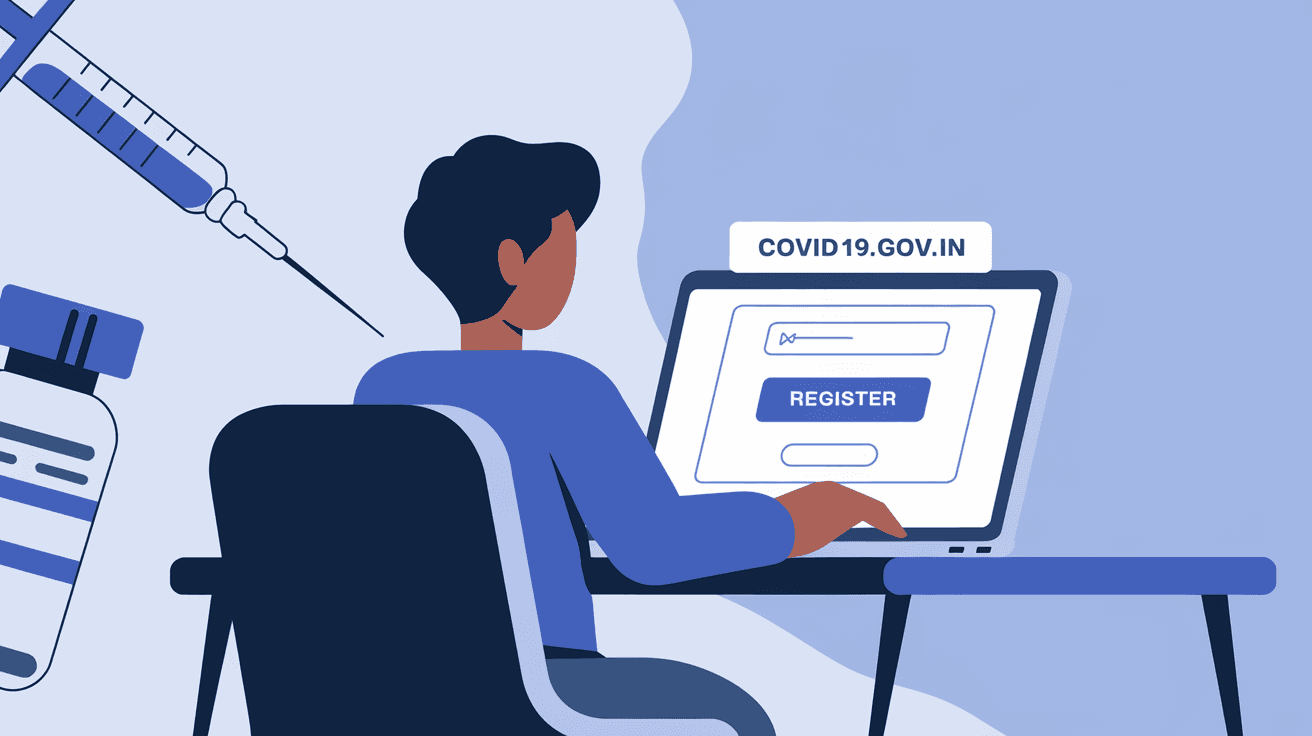
The CoWIN portal is the official platform for vaccine registration in India. It’s user-friendly and available in multiple languages. Here’s how you can register online:
You will receive a confirmation message with your appointment details. Remember to carry your ID proof and registration slip on the vaccination day.
Besides the CoWIN website, you can also register through government apps like Aarogya Setu and UMANG. These apps offer easy access to vaccination services along with other COVID-19 related information.
Both apps are available on Android and iOS and support multiple languages.
If you prefer not to register online, many vaccination centers in India allow walk-in vaccinations. This option is convenient if you don’t have internet access or want to get vaccinated immediately.
Walk-in vaccination is a flexible option but registering online can save your time.
Before you head to the vaccination center, make sure you have the right documents. This helps avoid delays and ensures a smooth process.
Keep these documents handy and carry a mask and sanitizer for safety.
On the day of your appointment, arrive at the center a little early. Here’s what usually happens:
After your vaccination, you can download your certificate as proof. This certificate is important for travel, work, and other official purposes.
You can print this certificate or keep it on your phone for easy access.
Sometimes, you might face issues while applying for the vaccine. Here are common problems and solutions:
Being patient and prepared helps you navigate these challenges smoothly.
Applying for a vaccine in India is straightforward once you know the steps. Whether you choose to register online via the CoWIN portal, use government apps, or walk in at a center, the process is designed to be accessible for everyone. Remember to carry your documents, follow safety guidelines, and keep your vaccination certificate safe.
Getting vaccinated not only protects you but also helps India move closer to ending the pandemic. So, take the step today and encourage your family and friends to do the same. Together, we can build a healthier future.
You can register online through the CoWIN portal, Aarogya Setu app, or UMANG app by entering your mobile number and personal details. Walk-in vaccination is also available at many government centers.
Yes, vaccination is free at government centers. Private hospitals may charge a fee, but government centers offer vaccines at no cost.
You need a valid photo ID proof like Aadhaar card, PAN card, or Passport. If registered online, carry your appointment slip as well.
Yes, vaccination is available for children aged 12 and above with appropriate consent and documents.
You can download your certificate from the CoWIN portal or Aarogya Setu app by entering your registered mobile number and verifying with OTP.