

How to Activate Bank of India Debit Card
F
Discover verified facts, data, and insights about India’s states, culture, economy, education, and more — all in one place at FactBharat.
Search for a command to run...
Discover verified facts, data, and insights about India’s states, culture, economy, education, and more — all in one place at FactBharat.
No comments yet. Be the first to comment.
Moving to the USA from India is a dream for many. Whether you want to study, work, or live with family, the process can seem complex. But with the right information, you can plan your move confidently. I’ll guide you through the key steps and options...
Opening a college in India is a dream for many educators and entrepreneurs who want to contribute to the country’s education sector. If you are one of those who want to start a college, you need to understand the process clearly. It involves several ...
Opening a hospital in India is a significant and rewarding venture. If you’ve ever wondered how to start one, you’re in the right place. Whether you’re a healthcare professional, entrepreneur, or investor, understanding the process is crucial. You’ll...
Opening a medical store in India can be a rewarding business opportunity. You get to serve your community by providing essential medicines and healthcare products. If you are thinking about starting a medical store, you might wonder where to begin an...
Opening a restaurant in India can be an exciting and rewarding venture. Whether you dream of serving traditional Indian dishes or international cuisine, the process involves careful planning and understanding of local regulations. If you’re ready to ...
FactBharat | Insights About India
2558 posts
Discover verified facts, data, and insights about India’s states, culture, economy, education, and more — all in one place at FactBharat.
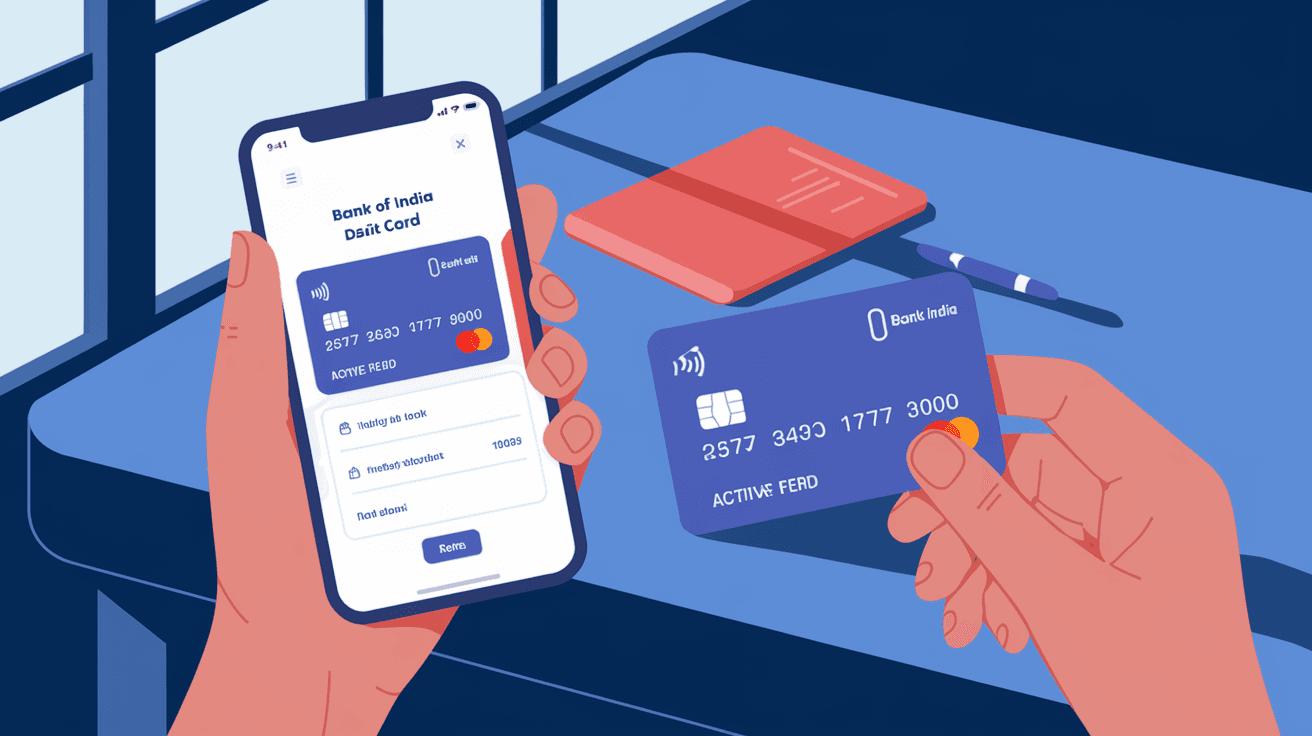
Activating your Bank of India debit card is the first step to accessing your account funds conveniently. Whether you just received your card or replaced an old one, you need to activate it before use. I’ll guide you through easy ways to activate your card so you can start making transactions without any hassle.
You might wonder why activation is necessary. It’s a security measure to ensure only you can use the card. In this article, you’ll find step-by-step instructions for activating your Bank of India debit card via ATM, phone banking, net banking, and mobile banking apps. Let’s get your card ready for use!
Activation is a security process that confirms you have received the card and are ready to use it. Without activation, your debit card remains inactive and cannot be used for ATM withdrawals, online shopping, or POS transactions.
Here’s why activation matters:
Once activated, you can enjoy seamless banking with your debit card. Now, let’s explore the different ways to activate your Bank of India debit card.
Using an ATM is one of the quickest ways to activate your debit card. Follow these simple steps:
Once you complete these steps, your card will be activated and ready for use. Remember:
ATM activation is convenient and secure, especially if you prefer offline methods.
If you prefer activating your card without visiting an ATM, phone banking is a good option. Bank of India offers dedicated phone banking services for card activation.
Here’s how to activate via phone banking:
Phone banking is helpful if you don’t have easy access to an ATM or prefer talking to a representative. Make sure you call from your registered mobile number for smooth verification.
Bank of India’s net banking platform allows you to activate your debit card online without visiting a branch or ATM. This method is fast and convenient if you have internet access.
Steps to activate via net banking:
Once done, your card will be activated instantly. Benefits of net banking activation include:
If you don’t have net banking, you can register online or visit your branch to get started.
Bank of India’s mobile banking app offers a user-friendly way to activate your debit card on the go. If you use the app, this method is quick and straightforward.
Here’s how to activate your card using the mobile app:
The app also lets you manage your card settings, block the card if lost, and view transaction history. Mobile banking activation is perfect for tech-savvy users who want instant access.
To avoid common issues during activation, keep these tips in mind:
Following these tips ensures your activation process is smooth and secure.
Sometimes, activation attempts may fail due to technical glitches or incorrect information. Here’s what you can do:
Don’t worry if activation doesn’t work immediately. The bank’s support team is there to assist you.
Once your debit card is activated, it’s important to keep it secure. Here are some best practices:
By following these steps, you protect your money and enjoy safe banking.
Activating your Bank of India debit card is a simple but crucial step to start using your card for everyday transactions. Whether you choose ATM, phone banking, net banking, or the mobile app, the process is designed to be secure and user-friendly. I hope this guide helps you activate your card quickly and confidently.
Remember to keep your PIN safe and monitor your account regularly. If you face any issues, Bank of India’s customer support is ready to assist you. Now that your card is activated, you can enjoy convenient access to your funds anytime, anywhere.
Activation is usually instant once you complete the process via ATM, phone banking, net banking, or mobile app. Some methods may take a few minutes to reflect.
No, you need a PIN to activate your debit card. If you don’t have one, request it through phone banking or net banking before activation.
Yes, activating your card through Bank of India’s official net banking or mobile app is secure, provided you use trusted devices and networks.
You can reset your PIN at a Bank of India ATM or request a PIN reset through phone banking or net banking services.
Yes, once activated, your debit card is ready for ATM withdrawals, online shopping, and POS transactions.